
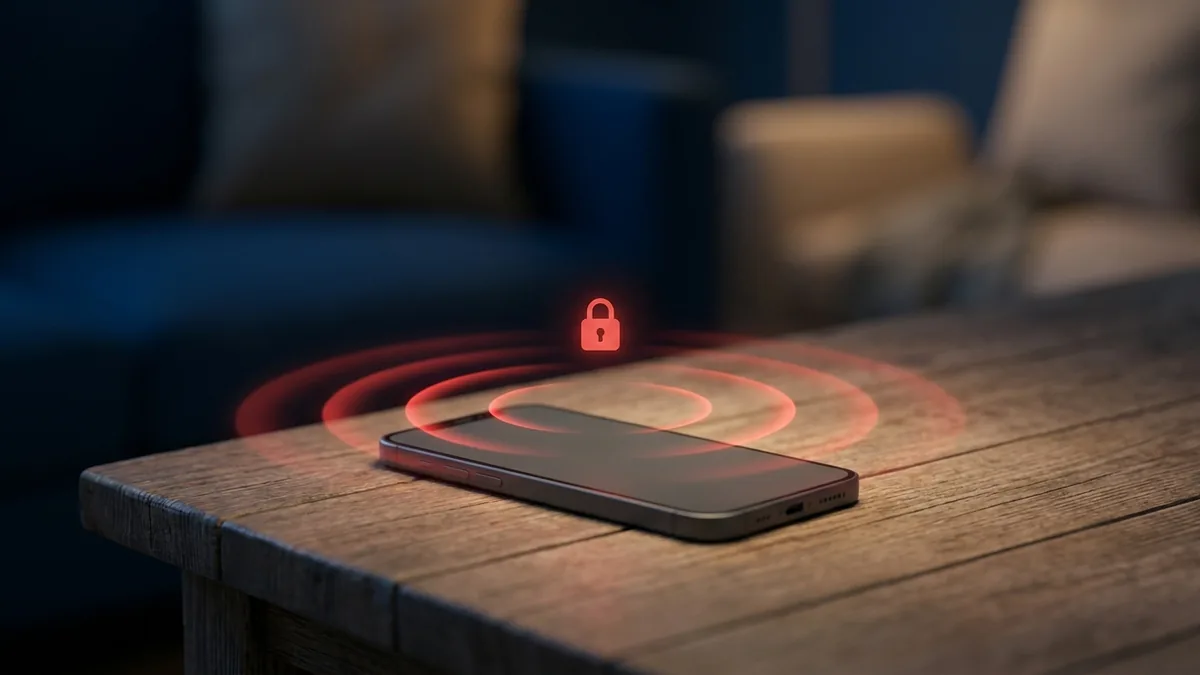
When we think about digital safety, we usually focus on what happens directly on the screen — text messages, browser history, social media feeds. But a screen only tells a fraction of the story. A child might slip a phone into their pocket while facing peer pressure at school, or an employee might leave a device on a desk during an unauthorized meeting. In these moments, the physical space around the device holds the real answer. This is where a remote listening app — one built around the Listening Environment feature — becomes a critical layer of a responsible monitoring strategy.
What Is the SPYERA Listening Environment Feature?
The Listening Environment feature is a remote audio monitoring tool built into SPYERA’s advanced monitoring software. As a true remote listening app, it lets parents and employers activate the microphone on a target device from a distance, capturing the ambient sounds of its physical surroundings. Unlike traditional call recording, which only triggers during an active phone call, this ambient recording app can be started at any time — even while the phone sits idle on a table or is tucked inside a backpack. It turns the device into an app to record surroundings, giving you context that text and screen logs simply cannot replicate.
When activated, the software securely accesses the device’s microphone in the background. It does not trigger screen lights, ringtones, or notifications that would disrupt the user or reveal the software’s operation. The captured audio is compressed, encrypted, and uploaded to a secure online dashboard. From there, the account owner can listen to the audio files at their convenience, download them for safekeeping, or review them to check on the safety of loved ones or the security of business assets.
In our 27 years of experience developing monitoring solutions since 1999, we have found that physical context is often the missing link in digital safety. Parents frequently tell us that seeing a text message is helpful, but hearing the tone of voice in the room where that text was sent is what finally gave them the clarity to intervene. Whether you use our Android spy app or our iPhone spy app, the Listening Environment feature bridges the gap between digital activity and physical reality — which is exactly why so many people search for a reliable remote listening app iPhone and Android users can both count on.
How Remote Microphone Activation Works
The process behind remote microphone activation is sophisticated yet seamless for the end user. From your secure online dashboard, you send a silent command to the target device instructing it to open the microphone and record for a set duration — 5, 15, or 30 minutes, for example. The software operates at the system level, bypassing standard interface triggers so recording starts without lag or a visible system alert, on current Android and iOS builds alike.
Once a recording session finishes, the audio file is temporarily stored on the device in an encrypted format. As soon as the device reaches a stable internet or Wi-Fi connection, the file uploads to your cloud dashboard and is deleted from local storage to free up space. This keeps the target device’s performance unaffected, avoiding battery drain or unexpected data spikes that could alert the user to the software’s presence.
Ambient Recording App vs. Call Recording: Key Differences
To use monitoring tools effectively, it helps to understand the difference between an ambient recording app and a call recorder. Both rely on the device’s microphone, but they serve entirely different purposes and capture distinct types of information. Choosing the right method depends on your specific monitoring goals and the context you need to uncover.
Call recording is limited strictly to active telecommunication sessions. The software only records audio when the user is on a phone call, a WhatsApp call, or a conversation on another supported messaging platform, capturing both sides of the conversation. Once the call ends, the recording stops — leaving you with no visibility into what happens before or after it.
Ambient recording, the Listening Environment feature, focuses on “room noise” and face-to-face interactions instead. It ignores whether the user is on a call and captures the sounds of the physical room the phone is in — background conversations, classroom chatter, office meetings, and environmental noise like traffic or a television. It’s designed for understanding the user’s physical surroundings rather than their digital communications.
- Call Recording: Captures active phone calls and VoIP sessions; requires a call to be in progress; focuses on digital communication.
- Ambient Recording: Captures physical surroundings and face-to-face conversations; can be activated at any time; focuses on real-world context.
- Trigger Mechanism: Call recording starts automatically when a call begins; ambient recording is manual or scheduled from your dashboard.
- Audio Source: Call recording uses the phone line and mic; ambient recording relies solely on the device’s built-in microphone array.
Combining these two features gives you a complete view of both the digital and physical lives of the people under your care. Monitor calls alone and you might miss offline bullying happening right next to your child at lunch. Monitor the environment alone and you might miss the details of an important phone conversation. A balanced approach using SPYERA ensures no blind spots remain.
Overcoming the Physical Limitations of Screen Monitoring
Visual data is valuable, but it has real limits. A screen log can show that a child opened a specific app, or a keylogger can reveal what they typed into a search bar. But those logs can’t tell you who is sitting next to them, what tone of voice is being used in the room, or whether they’re being coerced into typing those words. Screen monitoring is inherently flat — it lacks the dimensional depth that audio surroundings provide.
Screens are also easily locked, turned off, or hidden. If a phone is placed face-down on a desk or slipped into a pocket, visual monitoring tools go temporarily blind. Sound waves bypass these obstructions — a microphone tucked inside a backpack can still capture clear audio of a classroom interaction or a playground confrontation. An ambient listening app for Android or iPhone lets you bypass the limitations of locked screens and physical barriers to gather critical offline context.
Consider a business owner concerned about proprietary information being discussed outside official channels. An employee might be smart enough not to type sensitive data into their work phone, knowing that keystrokes are logged — but they might discuss that same data face-to-face with a competitor. Without ambient audio monitoring, the employer would have no way of knowing what was said in that meeting, even with full access to the employee’s screen logs. Sound captures the reality of a situation when screens stay silent.
Legitimate Use Cases for the Listening Environment
While the ability to hear a phone’s surroundings is powerful, it must be used responsibly and legally. Monitoring software is designed to protect vulnerable individuals and safeguard business assets, not to violate the privacy of consenting adults. Understanding the legitimate use cases for this technology is essential for staying within ethical and legal boundaries.
Parental Control: Protecting Children Offline
The primary use case for ambient recording is parental control. Children are exposed to complex social dynamics earlier than ever, and parents need tools that help them keep a quiet eye on safety. Peer pressure, physical bullying, and exposure to inappropriate environments often happen offline, away from the digital trail of text messages and social media posts.
According to research published by StopBullying.gov, a significant portion of bullying occurs in physical spaces like school hallways, playgrounds, and buses where adult supervision is limited. Using the Listening Environment feature, parents can verify if their child is being harassed, threatened, or excluded in these physical spaces, and step in with concrete evidence before a situation escalates.
Employee Monitoring: Safeguarding Proprietary Data
For business owners, protecting intellectual property and ensuring operational compliance is a constant challenge. Employees are often entrusted with sensitive client data, trade secrets, and proprietary strategies. Monitoring company-owned devices with the employee’s explicit consent is standard practice in many industries to prevent data leaks and support productivity during working hours.
Ambient recording can be used in corporate settings to monitor meetings, training sessions, and client interactions on company premises. This helps businesses maintain quality control, verify that employees follow regulatory compliance guidelines, and guard against the unauthorized sharing of sensitive information. When employees know that company-owned devices are monitored for security purposes, it fosters a culture of accountability.
Establishing Ethical Boundaries and Compliance
Before deploying any monitoring software, it’s crucial to understand the legal landscape around audio recording. Consent laws vary significantly by jurisdiction. In some regions, “one-party consent” laws allow you to record a conversation if one participant agrees. In other areas, “all-party consent” laws require everyone in the room to know they’re being recorded.
To stay compliant, follow these guidelines:
- Obtain Written Consent: If you’re monitoring employees, clearly outline the monitoring policy in the employment contract or handbook and get signed consent. Current platform permission systems — such as Android’s runtime microphone and background-activity permissions — are worth reviewing so you understand how the operating system surfaces transparency to the device user.
- Monitor Only Owned Devices: Only install monitoring software on devices you legally own or have the explicit right to manage — such as devices provided to minor children or company-owned equipment.
- Consult Local Legal Counsel: Privacy laws are dynamic and change over time. Always consult a local attorney to confirm your specific use case aligns with regional privacy statutes and employment laws.
Holding to these ethical standards lets you use the Listening Environment feature to protect what matters most, without compromising your legal standing or the trust of the people around you.
How SPYERA can help: SPYERA has built the Listening Environment into a full remote listening app since 1999 — combined with call, message, location, and app monitoring for Android, iPhone, Windows, and Mac. It’s built for responsible, consent-based monitoring of devices you own or are authorized to manage. Compare plans on the pricing page to see which package includes ambient recording for your devices.
Frequently Asked Questions
Is it legal to use a remote listening app?
Does the phone show any signs when the microphone is active?
How long can I record the phone’s surroundings?
Does an ambient listening app for Android also work on iPhone?
What makes SPYERA a reliable remote listening app?
Part of our complete guide: Phone Monitoring Software: The Complete Guide