
O que é a tecnologia de escuta ambiental remota?
Quando pensamos na segurança digital de crianças ou na proteção de informações confidenciais em uma empresa, o monitoramento de texto e navegação na web oferece apenas uma parte do quadro geral. A tecnologia de escuta ambiental remota — frequentemente integrada em soluções especializadas como um app para escutar conversas a distância android — estende essa visibilidade para o mundo físico em redor do dispositivo.
Part of our complete guide: Parental Controls for Android: The Complete Guide
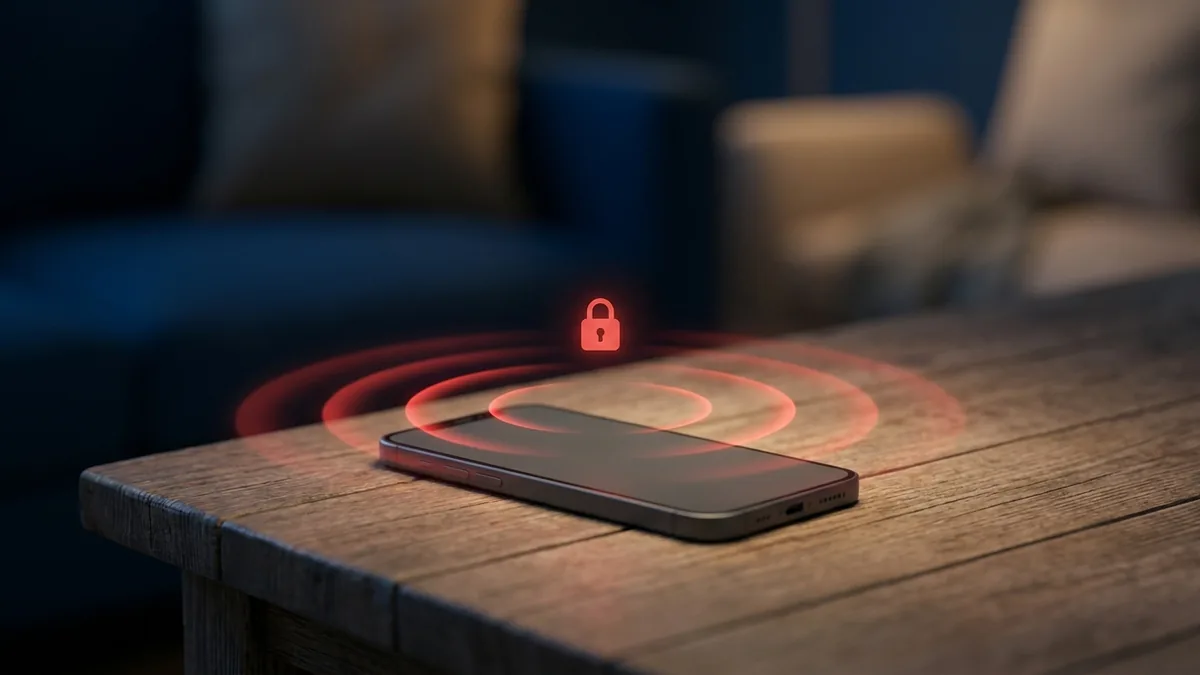
A captação de áudio ambiente consiste no acionamento controlado e discreto do microfone embutido no smartphone ou tablet. Ao invés de registrar apenas o som de quem está utilizando o aparelho, essa funcionalidade transforma o dispositivo em um receptor capaz de capturar conversas, ruídos de fundo e interações no ambiente imediato onde o telefone se encontra.
Diferença entre gravação de chamadas e monitoramento do ambiente físico
É fundamental compreender que a gravação de chamadas telefônicas e a escuta do ambiente físico são dois recursos tecnicamente distintos:
- Gravação de Chamadas Telefônicas: Captura o fluxo de áudio de mão dupla durante uma ligação ativa (seja via rede de telefonia tradicional ou chamadas VoIP em aplicativos como WhatsApp e Telegram). Ela depende do estabelecimento de uma conexão de voz entre dois interlocutores.
- Escuta Ambiental Remota (Room Recording): Aciona o microfone do aparelho independentemente de haver uma ligação em andamento. O objetivo é ouvir o som ao redor do telefone — por exemplo, a sala de aula, o interior de um veículo ou uma reunião presencial.
Essa distinção é essencial para pais que precisam saber com quem seus filhos menores estão pessoalmente ou para gestores que supervisionam o uso de aparelhos corporativos em deslocamentos de trabalho.
Como Funciona o App para Escutar Conversas a Distância Android
O funcionamento de um software avançado de monitoramento exige integração profunda com o sistema operacional Android. Diferente de aplicativos comuns de gravação de voz que exibem ícones ativos e cronômetros na tela, uma solução profissional opera em segundo plano com arquitetura otimizada.
Ativação silenciosa do microfone através do painel online do SPYERA
Através do painel de controle web do SPYERA para Android, o usuário administrador pode enviar um comando invisível para o dispositivo monitorado. Esse comando pode solicitar uma gravação imediata (sob demanda) ou agendar captações periódicas.
Quando o comando é recebido pelo aplicativo no smartphone Android, o software solicita acesso ao subsistema de áudio através das APIs internas do sistema. O microfone é ativado sem acender a tela, sem emitir sinais sonoros e sem exibir notificações na barra de status do sistema.
Compactação e envio criptografado dos arquivos de áudio
Após o término do período de gravação pré-determinado (por exemplo, 5, 10 ou 30 minutos), o aplicativo realiza o processamento do arquivo de áudio diretamente na memória do dispositivo:
- Compactação de Áudio: O arquivo gravado é codificado em formatos altamente eficientes (como AMR ou MP3 com amostragem otimizada), reduzindo consideravelmente o tamanho do arquivo final sem comprometer a clareza da voz humana.
- Criptografia de Ponta a Ponta: O arquivo de áudio compactado é criptografado antes da transmissão para garantir que nenhum intermediário na rede possa interceptar o conteúdo.
- Transmissão Silenciosa: Assim que uma conexão estável com a internet (Wi-Fi ou dados móveis) é identificada, o arquivo é enviado de forma transparente para a conta do usuário no painel do SPYERA, onde pode ser reproduzido ou baixado com total segurança.
Vantagens do SPYERA para Captação de Áudio Remoto
Com mais de duas décadas de desenvolvimento contínuo em soluções de monitoramento móvel, o ecossistema SPYERA foi projetado para oferecer confiabilidade máxima sem comprometer o desempenho do dispositivo monitorado.
Agendamento e gravações sob demanda por durações específicas
A flexibilidade é um dos pontos fortes da plataforma. O administrador não precisa ficar preso à navegação em tempo real para ouvir o ambiente. É possível programar horários específicos para que a escuta ambiental seja ativada automaticamente — por exemplo, durante o trajeto escolar do seu filho ou no horário de deslocamento de uma equipe de campo.
Para situações imprevistas, o comando de gravação sob demanda permite capturar o áudio instantaneamente por durações customizadas, garantindo que eventos críticos sejam registrados no momento exato em que ocorrem.
Funcionamento invisível sem consumo excessivo de bateria ou dados
Um dos maiores desafios técnicos em dispositivos Android é evitar o aquecimento do aparelho e o consumo acelerado da bateria durante o uso do microfone. O SPYERA utiliza algoritmos proprietários de gerenciamento de energia que minimizam o impacto no processador do celular.
Além disso, o uso otimizado da rede evita picos repentinos no tráfego de dados. Caso o aparelho fique temporariamente sem conexão com a internet, as gravações permanecem armazenadas de forma criptografada na memória local e são enviadas assim que a conexão for restabelecida.
Aplicações Práticas e Legais de Monitoramento de Áudio
O uso de tecnologia de escuta ambiental deve sempre ser pautado pela responsabilidade, ética e conformidade com as leis locais. O software de monitoramento é uma ferramenta poderosa que exige uso consciente.
Garantia da segurança de filhos menores em situações de risco
A segurança física das crianças no mundo moderno está intrinsecamente ligada ao uso que fazem da tecnologia. Pais que enfrentam preocupações legítimas sobre assédio escolar (bullying), exploração de menores ou contatos com estranhos perigosos encontram no monitoramento ambiental um recurso de proteção essencial.
Organizações focadas na proteção infantil, como a ConnectSafely e o portal oficial StopBullying.gov, enfatizam a importância do diálogo aberto combinado com a supervisão parental responsável. Saber o que acontece ao redor de uma criança em momentos de vulnerabilidade permite que os pais intervenham antes que um dano grave aconteça.
Proteção de ativos operacionais e conformidade corporativa
No ambiente empresarial, proprietários de negócios têm o direito legítimo e o dever de proteger seus segredos comerciais, propriedade intelectual e ativos corporativos. O uso de um aplicativo de escuta ambiental em celulares e tablets fornecidos pela empresa é uma prática comum para garantir o cumprimento de políticas internas e prevenir a divulgação não autorizada de informações sensíveis.
Checklist de Uso Ético e Legal do Monitoramento
Para garantir que o uso da tecnologia permaneça dentro dos parâmetros legais e éticos, siga este guia prático antes de ativar o monitoramento:
- Para Pais e Tutores Legais: Certifique-se de que o dispositivo monitorado pertence ou está sob a responsabilidade legal direta de um filho menor de idade sob sua custódia.
- Para Empregadores e Gestores: Ofereça dispositivos de propriedade da empresa, obtenha consentimento formal por escrito dos funcionários e deixe claras as políticas de monitoramento corporativo nas diretrizes da empresa.
- Privacidade Geral: Jamais utilize ferramentas de monitoramento para invadir a privacidade de adultos sem o devido consentimento explícito ou fora dos limites da legislação local de proteção de dados.
Perguntas Frequentes (FAQ)
É legal usar um app para escutar conversas a distância no Android?
O uso é legal quando feito por pais para monitorar filhos menores de idade sob sua responsabilidade legal ou por empregadores em dispositivos corporativos fornecidos pela empresa com o consentimento do funcionário. Monitorar adultos sem consentimento prévio e explícito é ilegal na maioria das jurisdições.
O usuário do celular Android percebe quando a escuta ambiental está ativa?
Não. Soluções profissionais como o SPYERA funcionam de forma invisível em segundo plano, sem ativar luzes de tela, sons de notificação ou ícones visíveis na barra de status durante a captação do áudio ambiente.
A escuta ambiental funciona sem conexão com a internet?
A gravação do áudio ambiente é realizada diretamente no hardware do celular mesmo sem internet no momento. No entanto, o envio do arquivo gravado para o seu painel de controle online exige uma conexão Wi-Fi ou de dados móveis ativa.
O aplicativo de escuta ambiental consome muita bateria do Android?
Aplicativos de alta qualidade são otimizados para gastar o mínimo possível de recursos do sistema. O consumo de bateria do SPYERA durante a gravação é comparável ao uso de um gravador de voz padrão, sem causar aquecimento perceptível do aparelho.
How SPYERA Can Help
SPYERA has helped parents and employers with app para escutar conversas a distância android since 1999. Monitor calls, messages, locations, and app activity on Android, iPhone, Windows, and Mac — used responsibly, with consent, on devices you own or are authorized to monitor.