
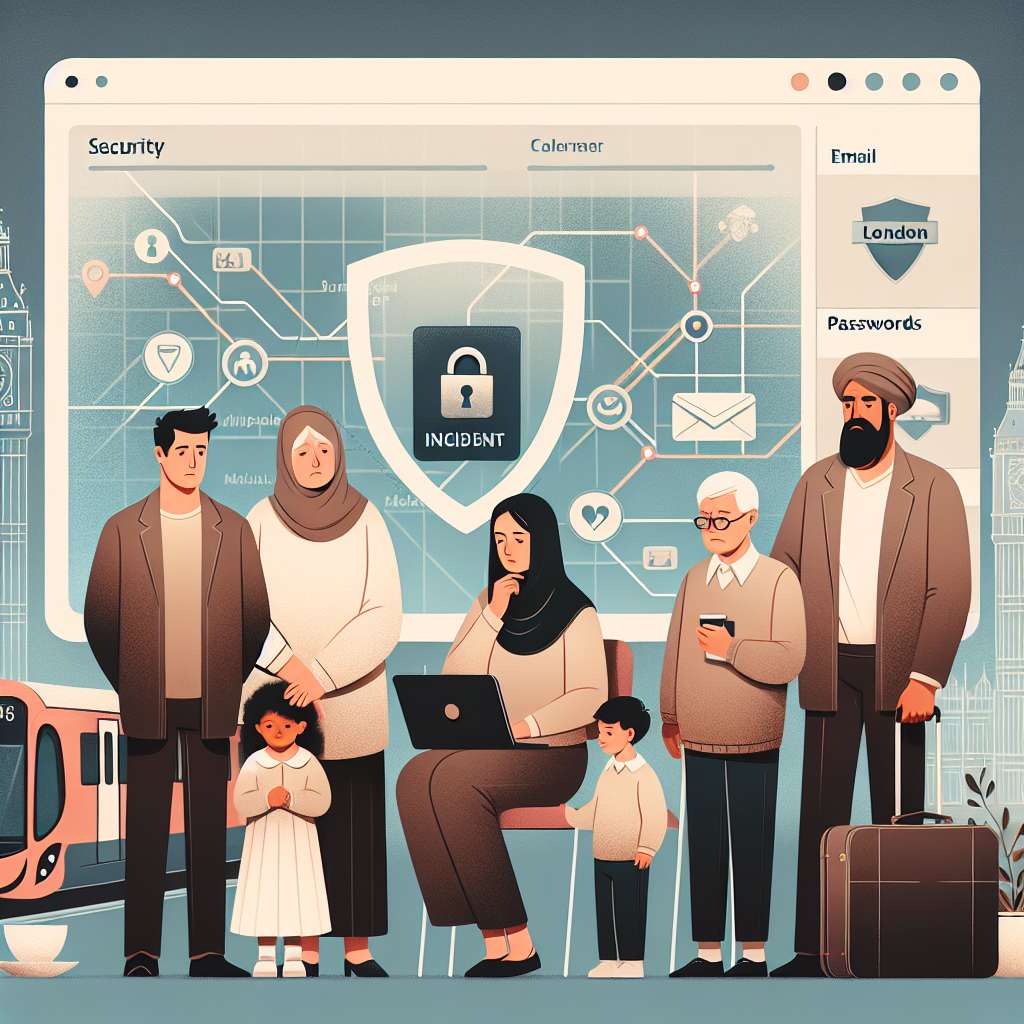
Protecting Families and Businesses After the TfL Cyber-Attack
Why This Matters
A recent cyber incident affecting Transport for London (TfL) disrupted online services and exposed customer data. Public-facing breaches remind families, schools and small businesses to review security, privacy and incident response practices now.
What Happened
Two young men have pleaded not guilty to charges of conspiring to commit unauthorised acts against TfL under the Computer Misuse Act. One defendant is additionally accused of attempting to hack healthcare organisations in the United States. TfL reported significant financial impact and sustained disruption to online services and information displays for roughly three months in autumn 2024. While transport operations reportedly continued, many TfL digital services were taken offline.
TfL said it had to contact thousands of customers to warn of possible unauthorised access to personal information. If confirmed, data such as names, email addresses and home addresses were accessed. TfL also said some customers’ bank account numbers and sort codes may have been exposed. A trial is scheduled for June next year.
Key Takeaways
- Public service providers are attractive targets for cybercriminals and can suffer long service outages.
- Data exposure often includes basic identity and contact details, and sometimes financial information.
- Families and small organisations should act proactively to reduce risk and limit fallout from breaches.
- Monitoring, consent, and lawful use of tools are vital when protecting children, staff and corporate assets.
Background & Risk Surface
Large public agencies, transport operators and organisations with many users face a broad attack surface. Online ticketing systems, customer databases, status boards, and vendor portals are common targets. Threat actors often exploit misconfigured services, weak access controls, unpatched software, or compromised third-party vendors.
Common attack paths include credential stuffing, phishing, exploiting exposed management interfaces, and abusing poor network segmentation. Public information displays and customer-facing APIs can be less hardened than core operational systems. That sometimes lets attackers impact services and leak information without disrupting the physical infrastructure.
Third-party risk is a key factor. Many organisations outsource parts of their infrastructure and use vendors for payments, notifications, or cloud hosting. A vulnerability at a vendor can cascade to multiple clients. Regular audits and clear contractual security requirements reduce this risk but do not eliminate it.
For individuals, the primary risk is identity theft and fraud from exposed personal or financial details. For organisations, risks include regulatory penalties, customer churn, reputation damage and direct remediation costs. Small businesses and schools may lack dedicated security teams, raising their vulnerability when interacting with larger service providers.
Why It Matters for Families & Small Businesses
When a service like TfL notifies customers about a data incident, individuals should assume their basic contact details are at risk. Names, emails and addresses are often used in phishing attacks. Financial details, if exposed, increase the risk of fraud and unauthorised transactions.
Parents should be aware of how personal information about children and household members is stored and shared. School forms, club registrations and transport accounts may collect similar data points. Small businesses use online services too, and customer or employee data can be vulnerable through those same third parties.
Practical device and account hygiene reduces the chance of becoming collateral damage. Use unique, strong passwords or passphrases. Enable multi-factor authentication (MFA) wherever possible. Beware of phishing emails that reference real incidents to gain trust. Attackers often exploit legitimate breach notifications to trick recipients into clicking malicious links.
Legal and compliance aspects matter. Organisations must follow local data protection laws when informing affected parties. Monitoring and protective software must be used lawfully and with required consent. For parents and employers, balance privacy rights with safety; obtain consent when required by law.
Action Checklist
For Parents & Teens
- Review any breach notification and follow the provider’s recommended steps immediately.
- Change passwords for affected accounts and any reused logins. Use a password manager to create unique passwords.
- Enable multi-factor authentication on email, financial, and transit accounts.
- Monitor bank and card statements for unusual activity. Notify your bank promptly if you see unknown transactions.
- Be extra cautious with emails or messages referencing the incident. Don’t click links or give credentials without verifying the sender.
- Discuss online safety with teens. Explain why strong passwords and MFA matter and why they should avoid risky tools.
For Employers & SMBs
- Review vendor and third-party access. Confirm contracts include security requirements and breach notification timelines.
- Perform an access review. Remove unused accounts and tighten privileges to a least-privilege model.
- Deploy endpoint protection and logging. Use EDR and centralised logging to detect suspicious activity early.
- Enforce MFA for remote access, cloud consoles and admin panels. Prefer hardware or app-based MFA over SMS where possible.
- Run regular patching and configuration checks. Focus on internet-facing systems, APIs and management interfaces.
- Conduct tabletop incident response drills. Ensure communications, legal, HR and technical teams know their roles.
For Schools
- Confirm what student and staff data is held by transport or third-party providers used by the school.
- Ensure parental consent forms are up to date for data sharing and monitoring. Respect privacy laws for minors.
- Train staff and students to recognise phishing and social engineering tied to publicised breaches.
Trend
Attacks that target public services and their digital front ends are increasingly common. Disruptions often follow data access rather than physical sabotage. Organisations of every size need pragmatic protections for exposed user data and continuity planning.
Insight
Rapid detection and clear communication reduce harm after a breach. Timely customer notices and guidance help prevent fraud that follows data exposure. For small organisations, inexpensive controls—MFA, unique passwords, vendor checks—offer strong risk reduction relative to cost.
How SPYERA Helps
SPYERA offers monitoring tools that help families and employers maintain visibility into digital activity. Our features include device status checks, alerting for unusual behaviour, and secure reporting that supports incident investigations. Remote configuration lets guardians and administrators ensure devices are up to date and protected.
SPYERA is designed for lawful, consent-based use. We emphasise compliance and require users to follow local laws and obtain necessary permissions. Use SPYERA to support safety workflows, parental oversight, and internal security monitoring—never to circumvent privacy or legal requirements.
FAQs
- My bank details were mentioned in a notification. What should I do?
Contact your bank immediately to report potential exposure. Monitor statements and set up transaction alerts. Consider changing account details if advised. - Should I delete affected accounts?
Not always. Change passwords and enable MFA first. Deleting accounts can be disruptive. Follow provider guidance and secure backups before removal. - Can I legally monitor my child’s devices?
Laws vary. Many jurisdictions allow parental monitoring of minors, but transparency and proportionality are important. Check local law and obtain consent where required. - How can small businesses prove due diligence?
Maintain records of security policies, vendor assessments, patching, access reviews, and employee training. These help demonstrate reasonable care during audits or inquiries.
Closing CTA
High-profile incidents like the TfL cyber-attack are a reminder to act now. Review passwords, enable MFA, and validate vendors. If you need a lawful, consent-based monitoring solution to help protect children, staff and devices, consider SPYERA. Our tools provide alerts, device checks and reporting to support safety and incident readiness while respecting privacy and compliance obligations.