
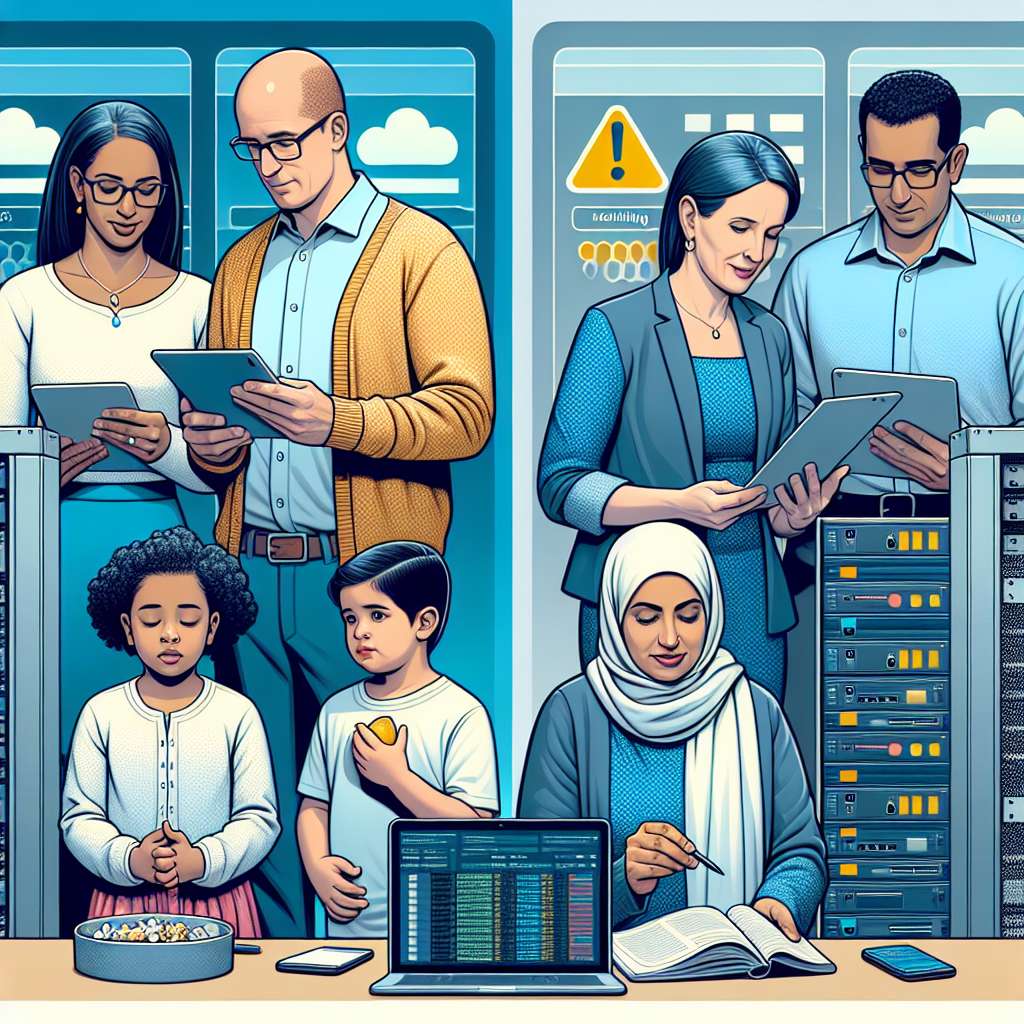
AWS Outage: Practical Steps Families, Schools and SMEs Can Take Now
Why This Matters
Major cloud outages can interrupt banking, communication, gaming, learning platforms and smart devices. A single cloud-region failure can leave individuals and organizations offline, disrupt services, and expose operational weaknesses.
What Happened
On 20 October a failure inside a North Virginia Amazon Web Services (AWS) region caused many websites and apps to stop working. If confirmed, the root cause involved automated internal processes that manage Domain Name System (DNS) records. The error left some internal address mappings out of sync, preventing systems from resolving domain names to the IP addresses computers use to reach them. Amazon has apologised and said it will review the outage to improve availability.
Key Takeaways
- Cloud dependence creates single points of failure for services hosted in one provider or region.
- Automation can speed operations, but faulty automation can also multiply errors quickly.
- Critical consumer services — banking, payments, messaging and smart devices — can be affected by cloud outages.
- Resilience planning, monitoring and lawful consent‑based oversight reduce harm and speed recovery.
Background & Risk Surface
Cloud providers like AWS host compute, storage and networking for thousands of companies. Many enterprises and apps use cloud regions in a single geography to reduce latency or for cost reasons. That concentration creates a risk: when a region has a fault, all dependent services can experience degraded performance or a complete outage.
DNS is a critical internet function. It translates user-friendly domain names into numerical IP addresses. If DNS records become unavailable or inconsistent, browsers and apps cannot find servers. In this incident, reports point to internal DNS and address-mapping processes failing to stay in sync. Automated steps that update or replicate records may have triggered an unstable sequence of events. When automation is involved, small timing issues can cascade quickly across many systems.
Who is affected? Consumers using online banking, payment apps, social media and streaming services can lose access temporarily. Businesses that rely on cloud-hosted infrastructure for websites, collaboration tools, point-of-sale systems or IoT integrations may also lose service. Schools using cloud-based learning platforms or single-sign-on systems risk disruption to lessons and student access. Smart devices that assume constant connectivity may behave unpredictably, or in rare cases, enter unsafe states (for example, heating controls that cannot be adjusted remotely).
Typical misconfigurations and risk paths include single-region deployments, missing or untested failover routes, over-reliance on provider-managed DNS without local fallbacks, and assumptions that automation always runs flawlessly. Attackers can also take advantage of scrambled or unavailable third-party infrastructure during incidents, though there is no indication of malicious activity in every outage.
Why It Matters for Families & Small Businesses
For households, an outage can interrupt banking, school logins, video calls, smart-home controls and entertainment. Parents may be unable to reach schools or pay for essentials. Children may lose access to homework platforms or communication tools during critical times. Device behavior can also change; smart beds, thermostats or security cameras that depend on cloud services can become unresponsive or revert to local defaults.
Small businesses face lost sales, disrupted customer service, and compliance headaches if records or receipts are inaccessible. Payment processing outages affect cash flow. If a business cannot access cloud-based payroll, HR or accounting services, it may struggle to meet obligations on time.
Privacy and data exposure: outages themselves do not equal breaches. But when systems fail, teams may implement emergency workarounds. Those ad-hoc solutions can increase privacy risk. For example, shifting to personal email for sensitive customer data or logging into accounts from unapproved devices can create new attack surfaces. Always document exceptions and revert to normal guarded workflows after recovery.
Legal and consent reminders: monitoring and access controls must comply with local laws and contract terms. Parents should obtain consent when monitoring shared devices. Employers must respect workplace privacy rules and notify employees about monitoring. Schools should follow student-data protection regulations and inform guardians about any monitoring or continuity measures in place.
Action Checklist
For Parents & Teens
- Build offline alternatives. Keep key phone numbers, banking logins and emergency contacts stored offline or in a secure password manager.
- Test smart devices. Know how to control heating, locks, and bedside devices locally if the cloud link fails.
- Enable two-factor authentication (2FA) for email, banking and school accounts to reduce risk if apps are unstable.
- Agree on a family communication plan for outages: who calls whom, and what channels to use if primary apps fail.
- Keep a charged backup device or a paper list of account recovery codes and important credentials in a secure place.
For Employers & SMBs
- Design for redundancy. Host critical services across multiple cloud regions or providers when possible.
- Test failover regularly. Run scheduled drills that switch traffic or users to alternate systems.
- Protect DNS. Use multiple DNS providers and maintain local caching and resilient resolution strategies.
- Limit blast radius from automation. Implement staged rollouts and kill-switches for automated updates that touch critical infrastructure.
- Strengthen monitoring and logging. Centralize health checks, set clear alerts, and ensure teams can access logs even during provider incidents.
- Run incident response (IR) drills. Include communication templates, legal counsel, and customer-notification plans in your playbook.
For Schools
- Keep paper fallback plans for attendance and assessments if learning platforms fail.
- Provide secure guest Wi‑Fi and local resources so teachers can continue lessons without cloud access.
- Ensure student data access follows consent policies and that teachers avoid ad‑hoc data sharing during outages.
Trend
Consolidation in cloud services is a long-standing industry trend. A few providers host a large share of web services worldwide. While providers invest heavily in availability, regional faults still occur. The incident underlines the need for resilience planning in households and businesses alike.
Insight
Automation reduces human error but can scale mistakes fast. Treat automated operations like code: peer review, staged rollouts and clear rollback paths are essential. Small organizations should map critical dependencies and prioritize redundant paths for truly essential functions.
How SPYERA Helps
SPYERA provides lawful, consent-based monitoring and device oversight tools to help families, schools and employers maintain visibility when services are disrupted. Features that support resilience include remote status checks, alerting on connectivity and app health, and centralized reporting for device inventories. Use SPYERA to confirm whether devices are online, assess app connectivity, and receive notifications if critical monitoring endpoints go offline.
SPYERA is designed for responsible use. Always obtain necessary consent and follow local privacy laws before installing or using monitoring software. For organizations, SPYERA can integrate into incident response workflows and provide forensic logs to assist with post-incident review.
FAQs
- Will an AWS outage mean my data was stolen?
Not necessarily. Most outages are availability incidents. If confirmed, this event was about DNS and internal automation. Always check provider statements and your own access logs to rule out breaches. - How can I tell if my smart device is affected?
Look for loss of cloud-dependent features, unusual behavior, or inability to change settings remotely. Consult device manuals for local controls and safe-fallback modes. - Should I move away from AWS or another provider?
Not immediately. Multi-region and multi-provider strategies reduce risk but carry cost and complexity. Assess criticality, and plan phased resilience improvements. - Is monitoring legal?
Monitoring is lawful only with proper consent and within applicable laws. Parents, employers and schools must follow local rules and clearly inform affected people.
Closing CTA
Cloud outages show why visibility and preparedness matter. SPYERA helps families, schools and SMEs maintain lawful oversight of devices and services during incidents. Consider using SPYERA to monitor device connectivity, configure alerts, and document service interruptions. Always obtain consent and follow applicable laws when monitoring. If you want to learn how SPYERA fits into your incident response or family safety plan, explore our guides or contact our team for a compliant solution.