
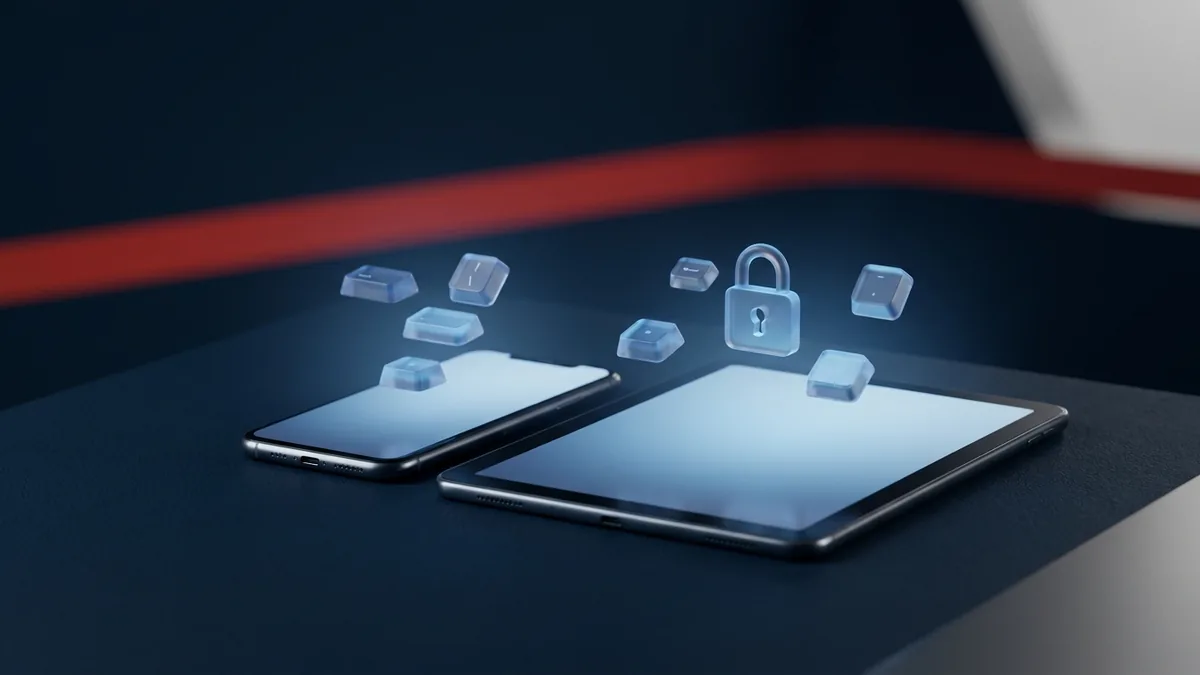
The iPhone keylogger is one of SPYERA’s most powerful features. If you’re searching for a reliable way to install a keylogger on iPhone or iPad, this guide walks through the exact setup, how the technology works, and what to check before you buy — for parents monitoring their own child’s device or a business monitoring a company-owned phone.
People carry their iPhones and iPads everywhere, which is exactly why a keylogger iPhone solution is so useful for authorised monitoring. An iPhone keylogger app runs silently in the background and records every keystroke typed on the device — texts, emails, search queries, app logins, and more.
SPYERA’s iPhone key logger captures SMS, Emails, visited web pages, Notes, Calendar entries, iMessage, Facebook Messenger, Skype, Line, WhatsApp, WeChat, Telegram, and Viber keystrokes, along with app PINs and passwords. It also logs every app the user installs and removes, so you know exactly what’s on the phone and when it changed. SPYERA captures both incoming and outgoing chat logs and SMS — most competitors only capture one direction.
How to Install a Keylogger on iPhone or iPad
Installing a keylogger on iPhone is straightforward once you know the steps. First, confirm the target device runs a supported iOS version — check the current compatibility list before you buy. Because Apple does not allow keylogging apps on the App Store, installing a key logger on iPhone or iPad requires jailbreaking the device to remove Apple’s software restrictions. A successful jailbreak installs Cydia (or an equivalent alternative app store), which lets you install apps Apple doesn’t permit. Jailbreak availability changes with every iOS release, so always verify your target iOS version is supported first. Here’s how to install keylogger on iPhone step by step:
- Buy SPYERA for Smartphone from the pricing page.
- You’ll receive a welcome email with your SPYERA username, password, and activation code.
- Log in to your SPYERA account and click Install in the Help section.
- Copy the APT URL shown there.
- Get physical access to the target iPhone or iPad — the device you want to install the keylogger on.
- On the target device, open Cydia and paste in the APT URL from your SPYERA account.
- Installation starts automatically and takes about a minute.
- A screen will prompt you to enter your activation code — enter it to activate SPYERA.
- A follow-up screen lets you hide the SPYERA app and the Cydia app.
- For complete stealth, enable both “hide SPYERA” and “hide Cydia.”
- As soon as the user starts typing on the iPhone or iPad, the keylogger captures every keystroke and uploads it to your SPYERA account.
How iPhone Keylogger Works
SPYERA is a stealth application installed on the target iPhone or iPad. Once installed, it runs completely in the background — no icon, no app name, no notifications. The iPhone keylogger app captures the device passcode, app passwords, keystrokes, and messages (Facebook, Skype, iMessage, WhatsApp, Line, Viber, Telegram, PIN, email, SMS) the moment they’re received, then stores an encrypted copy on the phone before uploading logs to your secure web account. Even if the user deletes a message afterward, SPYERA has already captured a copy — so deleted messages don’t disappear from your logs.
You control the upload interval from your web account, anywhere between every hour and every 24 hours. Here’s the process in four steps:
- Install SPYERA on the target device — it takes 2-3 minutes.
- SPYERA captures keystrokes and activity, storing them in a hidden encrypted file.
- SPYERA uploads that file to your personal web account over a stealth internet connection, at the interval you set.
- You log in to your web account from any browser and review all captured activity.
iOS Keylogger vs. Apple Keylogger: What’s the Difference?
Whether you search for an iOS keylogger, a keylogger iOS, an Apple keylogger, an Apple keystroke logger, an iPhone keystroke logger, or simply a key logger for iPhone, you’re describing the same technology: software that records every keystroke typed on an Apple mobile device. Some people look for a key logger iOS solution specifically for iPhone, others search keylogger iPad or keylogger on iPad — SPYERA supports both from a single account, and the installation process is identical on either device.
What Else Can SPYERA Do?
The iPhone keylogger is only one feature of SPYERA. The full app also tracks GPS location in real time, lets you listen to phone calls, and can activate ambient listening to hear the phone’s surroundings. See the full iPhone Spy App page for every available feature.
What Other Devices Support Keylogging?
SPYERA isn’t limited to iPhone and iPad. The same keylogging technology is available for Android, Windows PCs, and Mac computers. Check the compatibility page for the exact devices and OS versions currently supported.
Why Choose SPYERA?
SPYERA’s keylogger for iPhone and iPad is one of the most complete monitoring solutions on the market. Here’s what sets it apart:
- 100% hidden — no icon, no app name in the app list.
- Cross-platform license — install on any compatible phone or computer; no need to buy again if the target switches devices.
- Unlimited device changes — monitor your kids for a few weeks, then move the license to a company laptop, for example.
- All languages supported — Arabic, Chinese, Hebrew, Turkish, and more. Most competitors can’t capture non-Latin characters; SPYERA can.
- User-friendly web account — search, filter, and export captured logs.
- Free updates — new features are added at no extra cost.
- Remote settings — change everything from your web account with one click, no SMS commands required.
- Remote uninstall — remove SPYERA from the target device without touching it again.
- Money-back guarantee — if you’re not satisfied, contact support for a refund.